Progressive OPF lesson
Build your first slide
Start with one message, then add context, supporting copy and emphasis.
Each preview is a prepared render of its complete OPF example. The selected step records its render toolchain separately from the editable source.
Step 1
Start with a message
Only title appears on the slide. name labels the document.
Try this
Change title to the message you want a reader to remember.
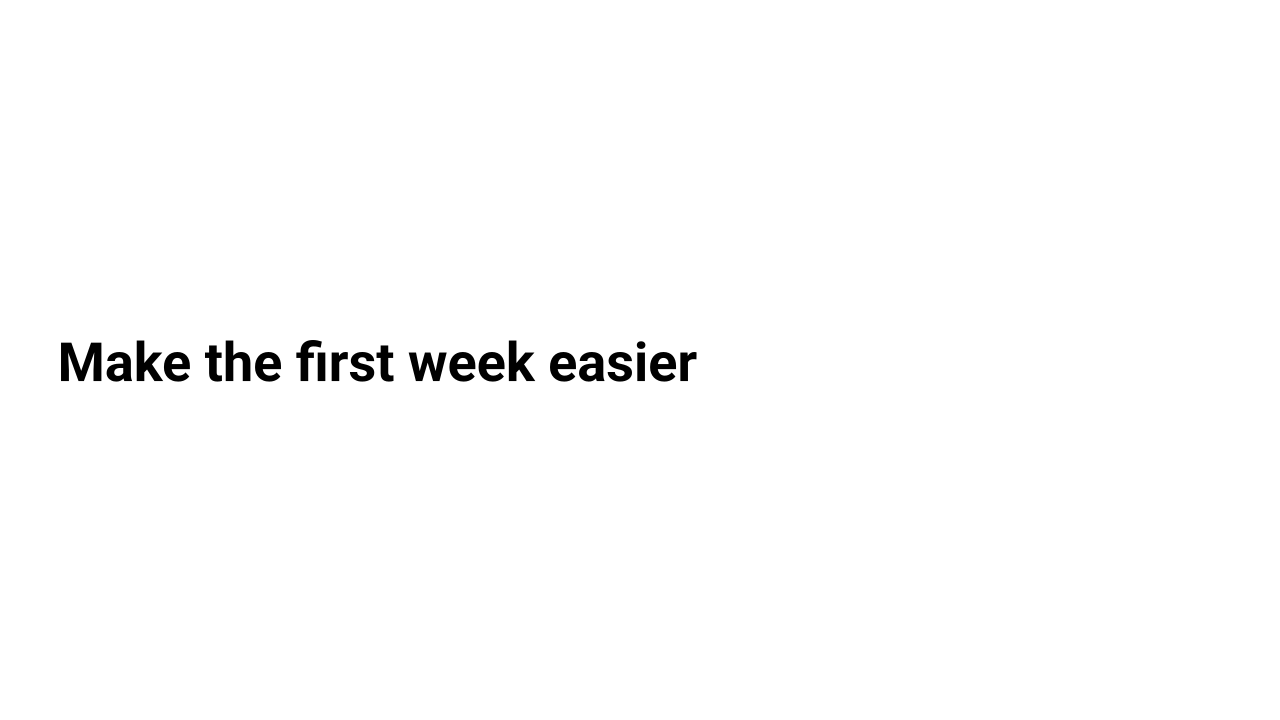
Prepared render of this step. View full-size SVG.
Download or copy the complete OPF below, then paste it into the Playground to try the change. Prepared previews do not update live.
Loading OPF…
Next: Check your deck.
Preview versions: Core 0.20.3 · renderer 0.20.2 · Gallery 3.0.0
Prepared with the recorded installed packages; this identity does not certify registry provenance or native fidelity. Documentation source OpenPresentation/opf@bbdef8045d88. Render identity records.